.webp)
The MiPACS HTML5 Web Viewer can directly integrate with a MiPACS Storage
Server to provide a zero-footprint medical viewer that can be accessed using
any modern web browser.
The MiPACS HTML5 Web Viewer requires no installation on clients and is compatible with any HTML5-compliant web browser, such as Google Chrome, Microsoft Edge, Mozilla Firefox, MacOS Safari, and more. It features a rich user experience within a web browser. It is an easy and familiar interface for users with viewing controls like most other medical image viewers.
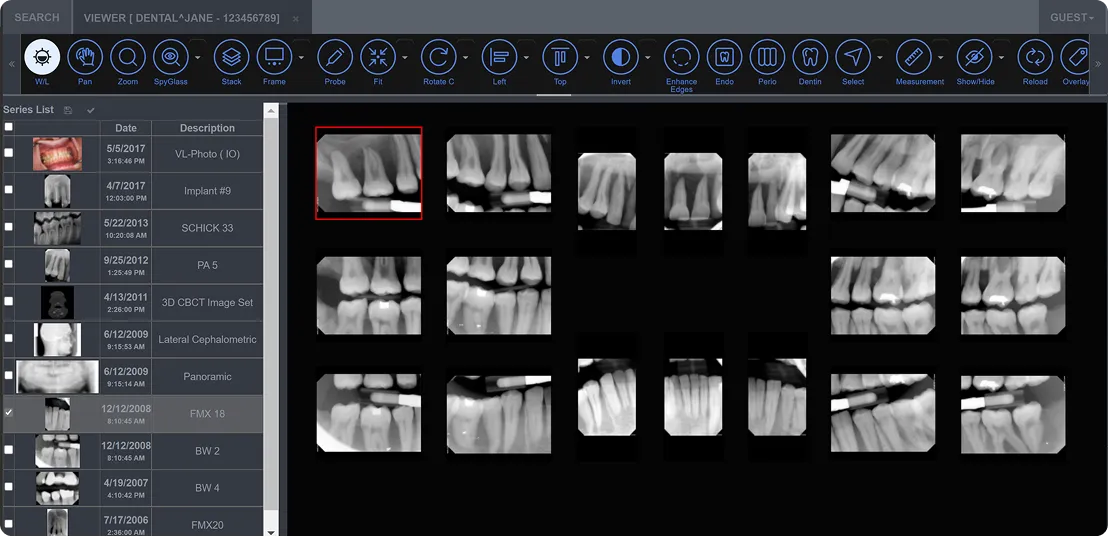
Key Features of HTML5 Web Viewer
The MiPACS HTML5 Web Viewer features the following tools for use right in your web browser:

Window/Level Controls

Zoom (including quick 1:1 and Fit buttons)

Pinch-to-Zoom (iPad, iPhone, Android)

Magnifying Glass

Measurements (linear, polygonal, and angular)

Annotations

Rotate/Flip

Full DICOM tag viewing
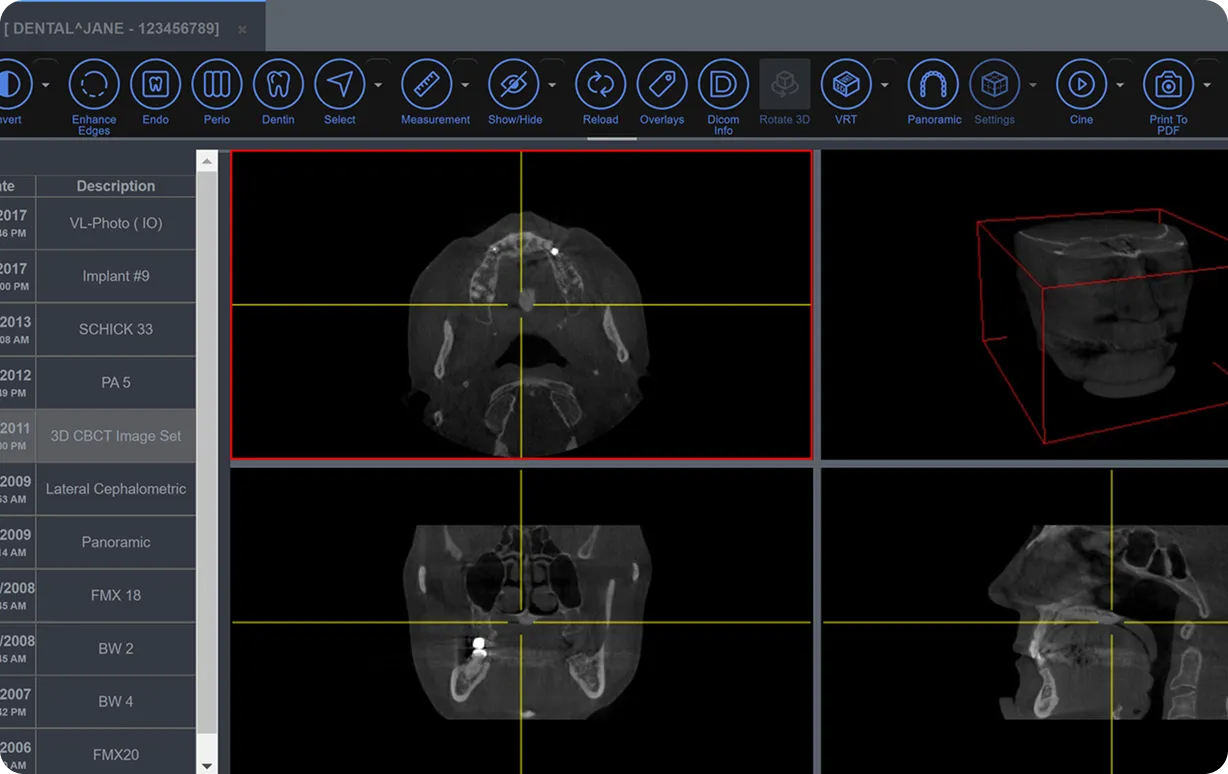
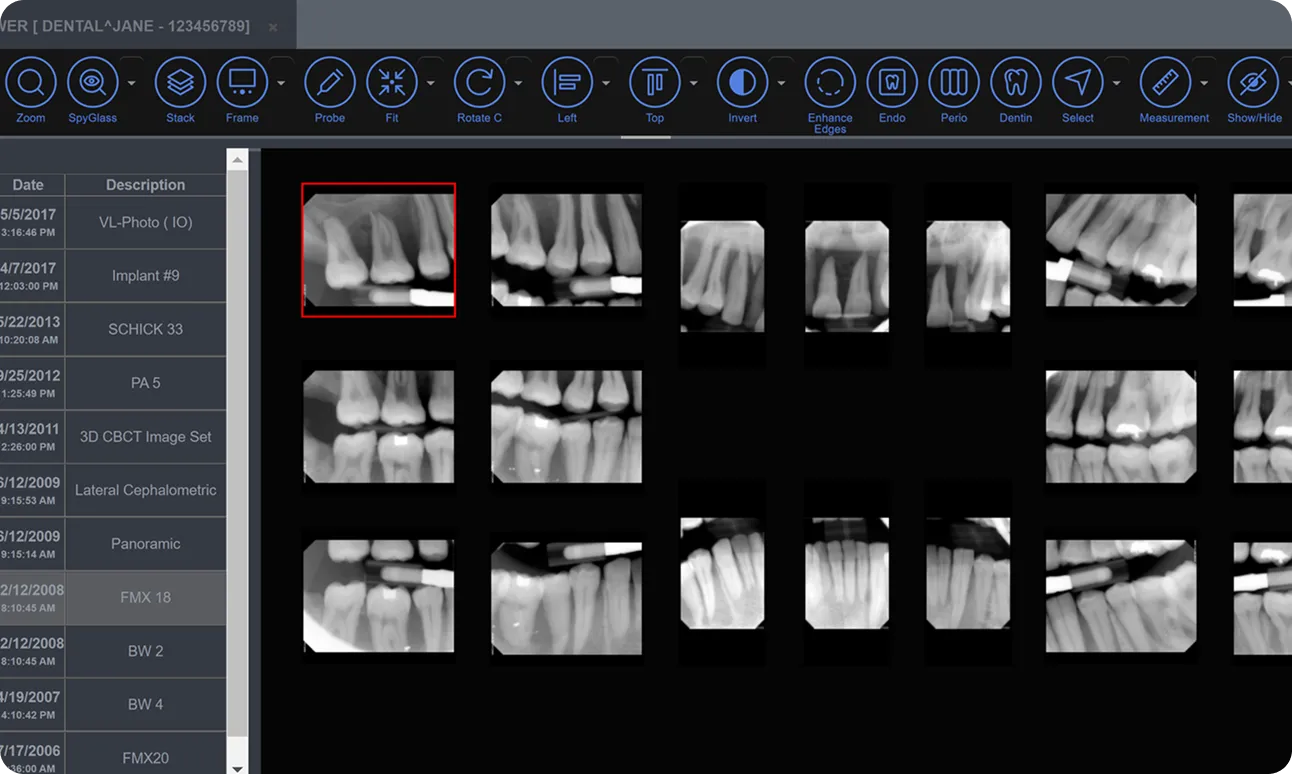
A True Zero-footprint Web Viewer
The MiPACS HTML5 Web Viewer uses HTML5 to provide a rich user-interface within a web browser, without any ActiveX controls or prerequisites. It is a multi-platform viewer that works on any modern browser. No installation or administrator access is necessary.

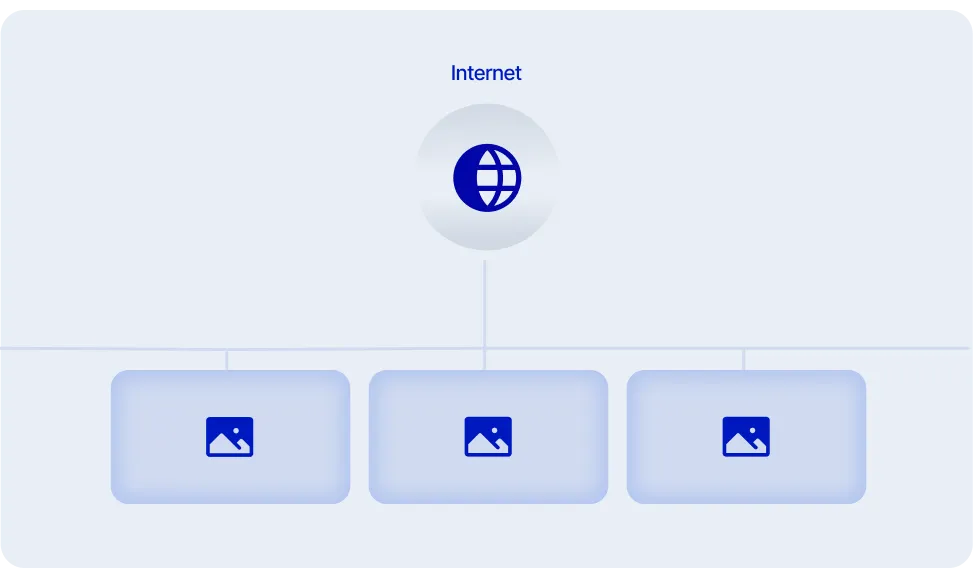
Provides Access to Your Images Over the Internet
With some configuration to your firewall, the MiPACS HTML5 Web Viewer can be made available outside of your network, enabling controlled access to your images from anywhere in the world. The MiPACS HTML5 Web Viewer can be configured to use HTTPS for encrypted communication, and access can be restricted to only registered accounts.
Provide a Customizable Experience for Your Users
The MiPACS Web Viewer can be customized to display a specific website layout, custom toolbars, and more. Our support team can work with your staff to provide users with an optimal experience.

The Perfect Solution for Imaging Centers
The MiPACS HTML5 Web Viewer is the perfect solution for an imaging center, where other doctors refer patients for imaging procedures. Imaging centers can make those images available digitally, right in the referring doctor's web browser, eliminating the need for costly printouts or CDs. The MiPACS HTML5 Web Viewer can be configured to only allow each referring doctor to his or her patients, restricting access to other referred patients.

.webp)
Explore the MiPACS Enterprise Imaging Platform
The MiPACS HTML5 Web Viewer is part of a secure enterprise imaging platform built to help healthcare organizations meet HIPAA and data protection requirements. With encrypted communication, controlled user access, and centralized image management, MiPACS supports compliance while enabling secure image access across systems, locations, and authorized users. Learn how the full MiPACS platform helps reduce risk without adding complexity.